


Experience Ultimate Live Sports Streaming with anilab APK
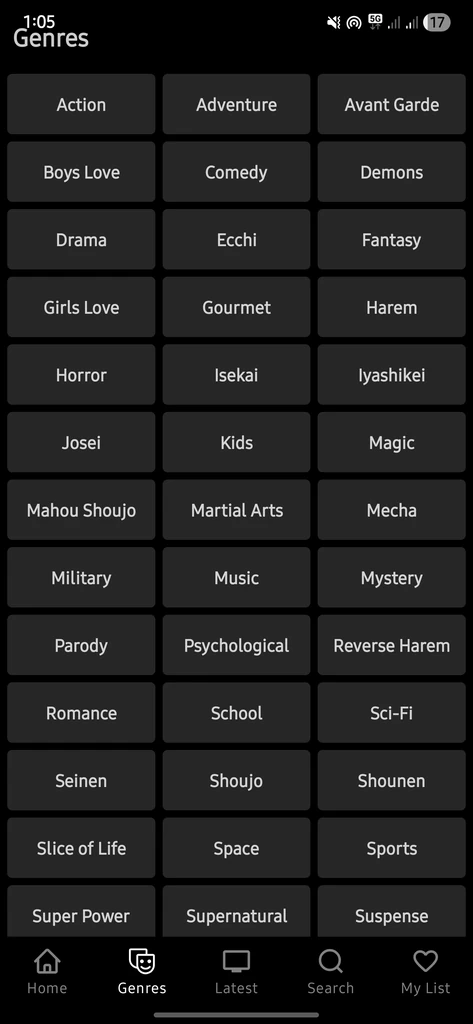
Welcome to your premier destination for high-definition live sports entertainment right on your Android mobile device. If you are a passionate sports enthusiast in India who loves cricket, football, and international tournaments, the anilab download APK is designed precisely for your entertainment needs. Offering seamless video playback, crystal-clear audio, and a completely free viewing experience, this anilab Android app ensures you never miss a single moment of your favorite games.
- Free live sports broadcasting
- Multiple server selection for smooth streaming
- HD, SD, and 4K quality support
- Multi floating player for multitasking
- Extensive sports channel coverage
- Comprehensive match highlights and replays
- Multilingual commentary options
- Hero
- Trending Apps
- Why Choose Us
- Top Downloads
- Android Tips
- FAQ
What is anilab?
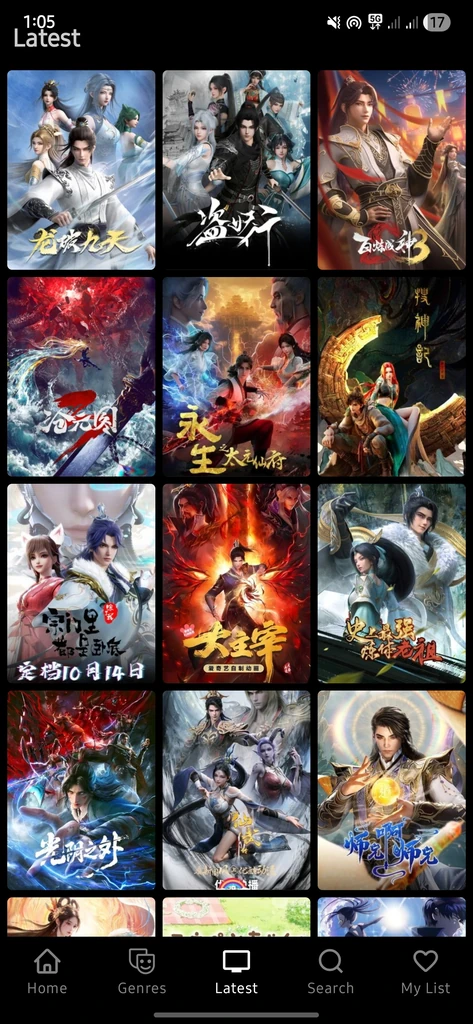
The anilab mobile app is an advanced digital streaming platform tailored specifically for Android users who want instant access to global sporting events without expensive television subscriptions. Whether you are following intense cricket leagues or international football championships, this application delivers high-quality feeds directly to your smartphone. Designed with user convenience in mind, the platform eliminates geographical barriers and brings comprehensive sports coverage to your fingertips.
For fans across India, finding a reliable streaming source can often be challenging due to regional restrictions or heavy subscription fees. The anilab latest version addresses this problem by offering a streamlined interface where users can easily navigate through various live matches, upcoming tournament schedules, and past game replays. It requires no hidden payments and operates efficiently across a wide range of Android hardware configurations.
Furthermore, the application stands out by integrating advanced playback technologies that adapt to your current internet connection speed. This ensures minimal buffering during crucial moments of a live match. With the anilab free download, users gain access to a robust ecosystem of sports entertainment that is constantly updated to include new channels and improved streaming servers.
- Lightweight installation package for Android devices
- Optimized for low battery consumption
- Regular updates for enhanced stability
- Clean user interface with zero intrusive advertisements
Key Features of anilab Android App
Live Sports Streaming
The core functionality revolves around delivering uninterrupted live coverage of major global tournaments. From intense cricket clashes to fast-paced football matches, users can watch games in real-time. This feature makes the anilab APK file an essential tool for anyone who wants to stay connected with their favorite teams while on the go.
Extensive Channel Collection
Enjoy access to a wide variety of dedicated sports broadcasting networks from around the world. Whether you prefer expert panel discussions, pre-match analysis, or live commentary, the app connects you to numerous channels ensuring that you can follow multiple games simultaneously without missing any crucial scores.
Multiple Streaming Servers
Network congestion can often ruin a live viewing experience. To counter this, the anilab offline installer ecosystem features multiple alternative servers. If one stream experiences high traffic or lag, users can instantly switch to a secondary server to maintain high-definition playback without interruption.
HD and 4K Video Quality
Visual clarity is paramount when watching fast-moving sports like cricket or tennis. The application supports various resolution settings ranging from standard definition to crisp HD and 4K options, allowing users to balance clarity against their mobile data limits effortlessly.
Multi Floating Player Support
Multitasking has never been easier. With the floating window mode, you can minimize the live match video into a small resizable screen while chatting with friends, browsing the web, or checking social media simultaneously. This ensures you keep an eye on the score while managing your daily digital tasks.
Match Highlights and Replays
Missed a game because of work or studies? There is no need to worry. The platform archives comprehensive match highlights and full replays, enabling users to catch up on all the thrilling moments, winning goals, and boundary shots at their own convenience.
Multilingual Audio and Commentary
To cater to a diverse audience across different regions, the application supports multiple commentary languages. Users can easily access settings and select their preferred regional language for both app navigation and live match broadcasting, enhancing overall comfort and engagement.
Pros and Cons of Using anilab

| Advantages | Disadvantages |
|---|---|
| Free access to live sports and dedicated channels | Requires a stable and reliable internet connection |
| Multiple alternative servers for smooth feeds | Not available through official Google Play marketplace |
| Convenient floating player for multitasking | Streaming quality depends on current server load |
| Clean layout with multilingual support options | Some high-traffic events may require server switches |
How to Download and Install anilab APK

Installing third-party applications on your Android smartphone is a straightforward process when you follow the correct security steps. Follow this simple guide to complete your anilab safe installation quickly and securely.
- Download APK file from our trusted source link.
- Enable Unknown Sources in your device security settings.
- Install APK using your file manager.
- Open app and enjoy live sports content.
Before initiating the installation, ensure your phone has sufficient storage space and a stable internet connection. Once the download finishes, tapping the file will prompt the system installer. After granting the necessary permissions, the icon will appear on your home screen, ready for immediate use.
Alternative Applications to Consider
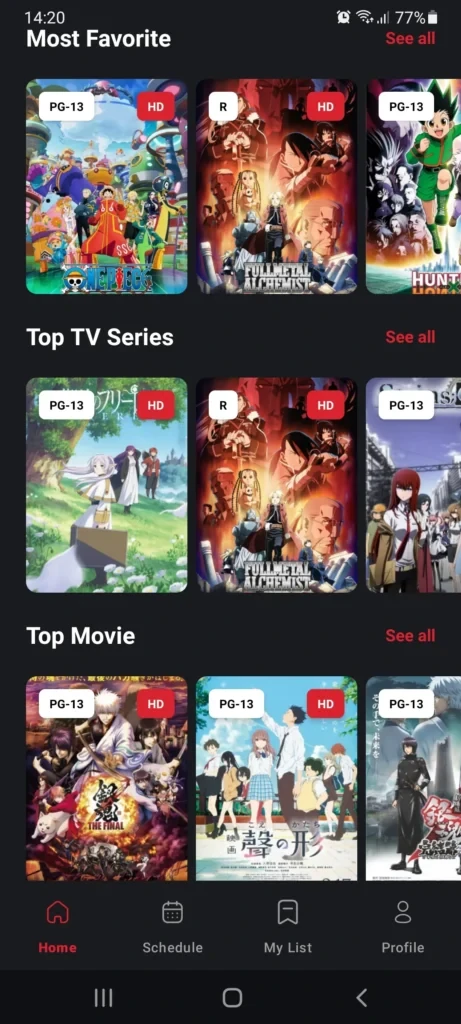
If you wish to explore other streaming applications available in the market, here are a few alternatives tailored for sports enthusiasts:
StreamIndia: A popular regional broadcasting app offering live television channels and local sports coverage. Ideal for users seeking lightweight performance.
YuppTV: A legal subscription-based platform providing high-definition television channels and international sports feeds. Perfect for users preferring official app stores.
ThopTV Classic: A well-known media streaming tool featuring extensive channel directories and custom video players. Suitable for general entertainment seekers.
Frequently Asked Questions
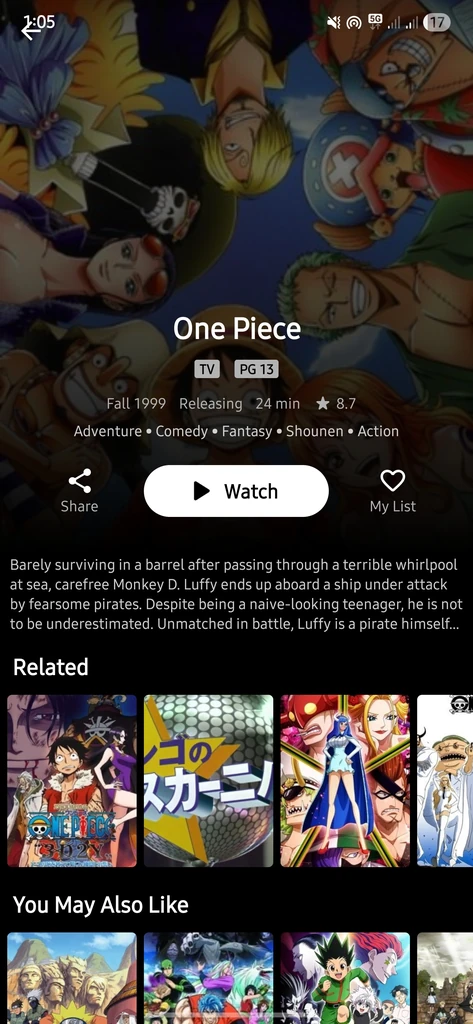
Is the anilab download APK safe to use on Android devices?
Yes, the application file is thoroughly scanned for malware and security vulnerabilities before being hosted, ensuring a secure installation process for all users.
Do I need to pay any subscription fees to watch live matches?
No, the platform provides completely free access to all available live sports streams, channels, highlights, and replays without requiring any monthly memberships.
How can I update the application to the latest release?
You can check our website periodically to download the newest installation package whenever an update is released with performance improvements and new features.
Why am I experiencing buffering during live streaming?
Buffering usually occurs due to slow internet speeds or high traffic on a specific server. You can easily resolve this by switching to an alternative server within the app.
Can I use the floating player while chatting with friends?
Yes, the multi floating player feature allows you to minimize the video into a small window so you can chat or browse other apps while watching the match.
What should I do if the installation is blocked by my phone?
You need to navigate to your device security settings and enable the permission to install applications from unknown sources before running the file again.
Conclusion
In summary, the anilab application serves as an exceptional digital companion for sports lovers who want uninterrupted access to global games, tournaments, and live broadcasts directly on their mobile phones. By eliminating expensive subscription models and introducing helpful features like multiple servers and floating video windows, it redefines mobile entertainment. Complete your anilab download today and transform your Android smartphone into a portable sports stadium.