

Complete Guide to Installing the Anilab APK on Your Device
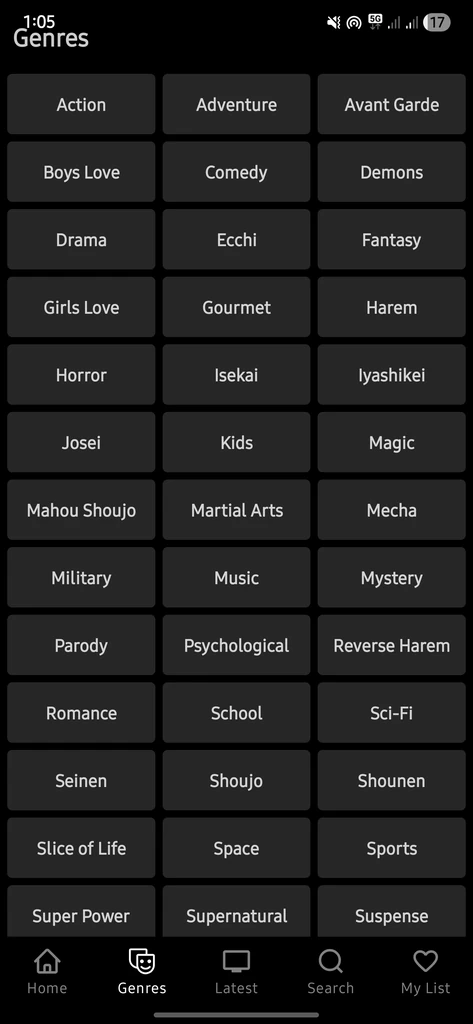
In recent years, Anilab has emerged as a popular application for users who enjoy live sports streaming, news updates, and television shows. However, it's important to note that this app is not available in the Google Play Store, which means you will need to manually install the APK. This guide will walk you through the installation process step by step, so you can start enjoying Anilab's features with ease.
Installation Steps
- Download the APK File: Start by downloading the anilab APK file from the official website or a trusted source. Ensure you are downloading the latest version to avoid any compatibility issues.
- Locate the Downloaded File: Once the download is complete, navigate to your device's storage. The APK file can usually be found in the Downloads folder.
- Execute the APK: Tap on the APK file. If your system prompts a warning, it may be necessary to allow installations from unknown sources. To do this, go to Settings → Security/Privacy and enable the option Install from Unknown Sources. Remember to disable this feature after the installation is complete for better security.
- Complete the Installation: Follow the on-screen prompts to finalize the installation. Once it's done, click Open to launch the app.
Security Warning
It’s crucial to emphasize that you should only download the Anilab APK from official channels or reputable sources to avoid potential security risks. You may also want to scan the APK with an antivirus tool before installation. After successfully installing the app, do remember to turn off the Unknown Sources setting for enhanced protection.
Frequently Asked Questions (FAQ)
1. Do I need to register to use Anilab?
No, registration is not required to access Anilab's features. Users can start browsing right after installation.
2. What should I do if the application lags or crashes?
If you encounter performance issues, try clearing the app's cache or restarting your device. Ensuring that your internet connection is stable can also help enhance performance.
3. Is Anilab compatible with tablets?
Yes, Anilab supports various devices, including tablets, offering a versatile viewing experience.
Disclaimer
Please note that Anilab functions as a third-party aggregation tool. All content rights belong to their respective authors, and users assume the risk associated with its use. It is recommended to stay informed about the applicable laws regarding content consumption in your region.